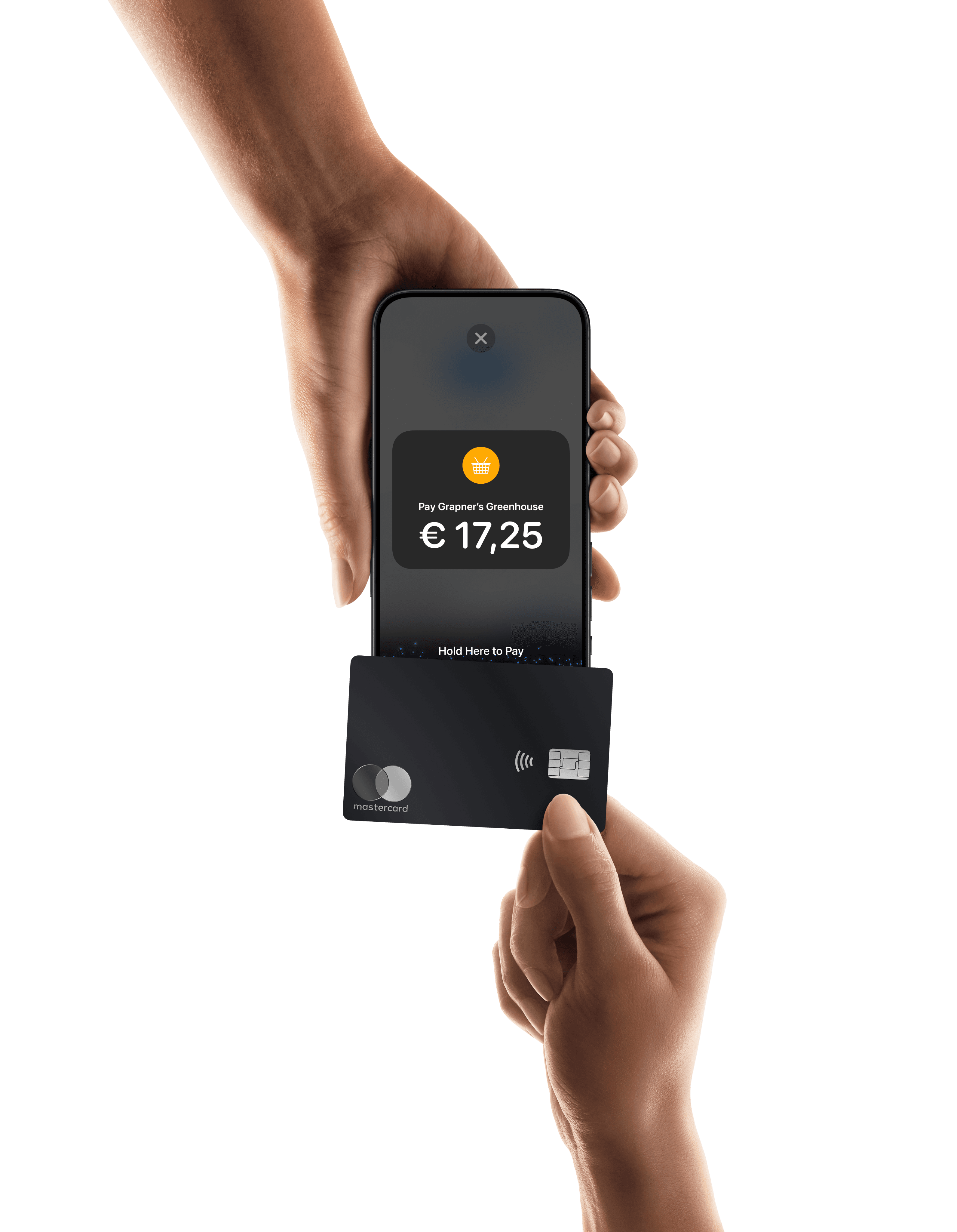


Paying in a shop with a card takes about a second. You tap, you get a confirmation, you leave. Occasionally you need to enter your PIN.
Paying online with a card can be more of a hassle. You need to find your wallet, read out and type in 16 digits, the expiry date, and hope you get the security code right the first time.
It shouldn’t be so difficult, and increasingly, it isn’t.
Click to Pay is a checkout standard governed by EMVCo, behind chip and contactless card payments, and supported by Visa, Mastercard, American Express and Discover.
It lets shoppers pay with their already pre-registered cards online, without having to type the number again.
This article covers what Click to Pay is, how it works, why tokenisation matters more than the one-click part, and what it could change at your checkout.
Paying in a shop with a card takes about a second. You tap, you get a confirmation, you leave. Occasionally you need to enter your PIN.
Paying online with a card can be more of a hassle. You need to find your wallet, read out and type in 16 digits, the expiry date, and hope you get the security code right the first time.
It shouldn’t be so difficult, and increasingly, it isn’t.
Click to Pay is a checkout standard governed by EMVCo, behind chip and contactless card payments, and supported by Visa, Mastercard, American Express and Discover.
It lets shoppers pay with their already pre-registered cards online, without having to type the number again.
This article covers what Click to Pay is, how it works, why tokenisation matters more than the one-click part, and what it could change at your checkout.
Paying in a shop with a card takes about a second. You tap, you get a confirmation, you leave. Occasionally you need to enter your PIN.
Paying online with a card can be more of a hassle. You need to find your wallet, read out and type in 16 digits, the expiry date, and hope you get the security code right the first time.
It shouldn’t be so difficult, and increasingly, it isn’t.
Click to Pay is a checkout standard governed by EMVCo, behind chip and contactless card payments, and supported by Visa, Mastercard, American Express and Discover.
It lets shoppers pay with their already pre-registered cards online, without having to type the number again.
This article covers what Click to Pay is, how it works, why tokenisation matters more than the one-click part, and what it could change at your checkout.
Paying in a shop with a card takes about a second. You tap, you get a confirmation, you leave. Occasionally you need to enter your PIN.
Paying online with a card can be more of a hassle. You need to find your wallet, read out and type in 16 digits, the expiry date, and hope you get the security code right the first time.
It shouldn’t be so difficult, and increasingly, it isn’t.
Click to Pay is a checkout standard governed by EMVCo, behind chip and contactless card payments, and supported by Visa, Mastercard, American Express and Discover.
It lets shoppers pay with their already pre-registered cards online, without having to type the number again.
This article covers what Click to Pay is, how it works, why tokenisation matters more than the one-click part, and what it could change at your checkout.
