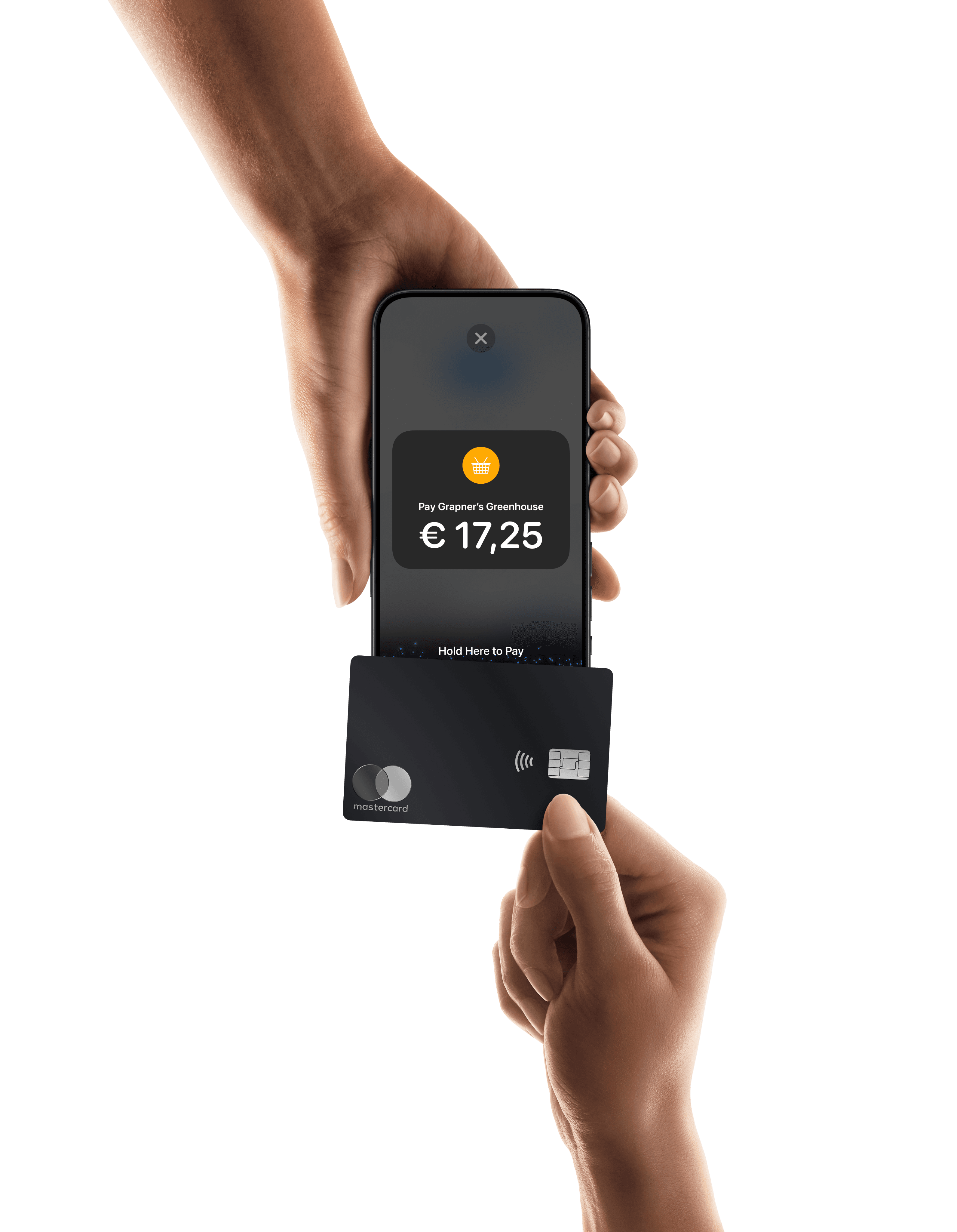
Accept credit and debit cards on Magento
Mollie supports credit and debit cards on Magento, including Visa, Mastercard, and American Express. Let customers pay with the card they already carry, directly on your checkout.

Credit and debit card
Already with Mollie?
Activate credit and debit cards in your dashboard
Get started
1
Activate cards in Mollie
Log in to your Mollie Dashboard and switch on Cards, the payment method that covers credit and debit cards. Cards only appear at your Magento checkout once they are active in your Mollie profile.
2
Install the Mollie plugin
Install Mollie for Magento 2 in your store's root directory using Composer, then activate the module and clean the cache. You need Composer installed and a recent version of Magento 2.
3
Connect your API key
In your Mollie Dashboard, go to More, Developers, API keys and copy your key. In Magento, go to Stores, Configuration, Mollie, General, set Enabled to Yes, choose your mode, paste in the key, and save.
4
Turn on Credit Cards
Go to Stores, Configuration, Mollie, Payment Methods, and expand Credit Cards. Set Enabled to Yes, then set Use Mollie Components to Yes to keep card entry on your own checkout page.
5
Save and flush the cache
Click Save Config and flush the Magento cache. Customers will not see the new payment option until you clear the cache
Start taking card payments
Once activated, credit and debit cards appear automatically at your Magento checkout. Read the Mollie for Magento 2 set-up guide for the full installation steps.

Frequently asked questions
Can I accept credit and debit cards on Magento with Mollie?
Yes. The Mollie plugin for Magento 2 supports Visa, Mastercard, and American Express. You switch cards on in your Mollie Dashboard and in Magento Admin under Stores, Configuration, Mollie, Payment Methods.
How does credit card processing work on Magento with Mollie?
When a customer pays by card, Mollie processes the payment and sends the status back to Magento, which updates the order automatically. You can settle payments straight away or authorise first and capture later, on invoice or on shipment.
Can customers enter their card details without leaving my Magento checkout?
Yes. With Mollie Components switched on in the Credit Cards settings, the card form appears directly on your Magento checkout page. Without Components, Mollie redirects customers to a secure hosted payment page instead.
Does Mollie handle card verification and 3D Secure on Magento?
Yes. Mollie runs 3D Secure authentication on card payments where required, so customers verify their payment with their card issuer. You do not need to set up 3D Secure separately in Magento.
Can returning customers save their card on my Magento store?
Yes. When you enable saved cards in the Mollie plugin, logged-in customers can choose to save their card and reuse it at future checkouts. Saved cards currently work with automatic capture only.
How much does it cost to accept credit and debit cards on Magento with Mollie?
Mollie charges per successful transaction, with no set-up fees or monthly fees. Card rates vary by card type and region, so check mollie.com/pricing for the latest pricing.
Why are credit and debit cards not showing at my Magento checkout?
First check that cards are active in your Mollie Dashboard and enabled under Stores, Configuration, Mollie, Payment Methods in Magento Admin. Then flush the Magento cache, as new payment methods only appear once the cache is cleared.



























Already with Mollie?
Activate credit and debit cards in your Mollie dashboard