Categories
Resources
Booqi + Mollie: ticket sales and payments in one place
Every ticket, pass and voucher gets paid for and tracked in the same system.
For a leisure venue, selling a ticket is one thing. Knowing straight away whether it has actually been paid for is another.
Mollie now connects directly into Booqi, so ticket sales and payments sit in one place from the moment a guest checks out.
Focus on your visitors while we handle the payments.
Built for high-volume leisure and attraction venues
Theme parks, zoos, museums, water parks and other attractions deal with sharp seasonal peaks, multiple ticket types and entry hardware that all need to stay in sync. Reconciling payments across each of those channels by hand slows finance teams down just when ticket sales are busiest.
Booqi connects Mollie directly to its ticketing engine, so payments for tickets, passes and vouchers flow straight into the order records Booqi already tracks.
There is no separate payment system to check.
Everything you need to get paid for every ticket sold
One connection for every ticket type. Booqi links to Mollie by API key, so online payments for single tickets, season passes and group bookings all run through the same setup.
Membership fees that renew themselves. Set up recurring payments through Mollie for annual passes and memberships, so you don’t have to re-charge loyal visitors by hand each year.
Payment methods that match your visitors’ needs. Mollie supports iDEAL | Wero, Bancontact, credit and debit cards, and more - so guests can pay the way they prefer.
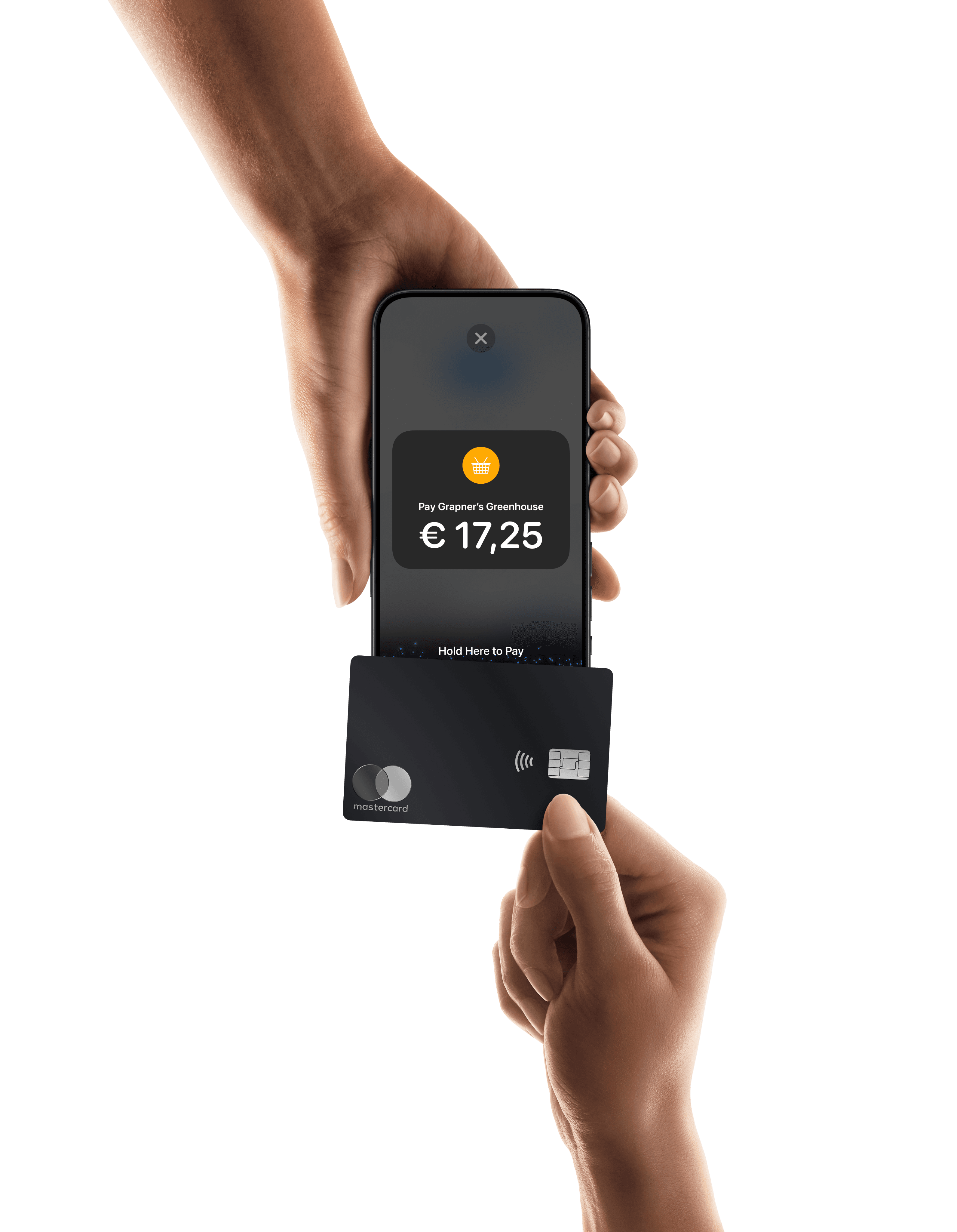
Walk-up tickets, handled just as easily. Booqi works with Mollie payment terminals, so you can make sales at the ticket desk or gate, on the same Mollie account as your online sales.
Get started in minutes
Log in your Mollie Dashboard, or create an account if you do not have one yet.
In the Mollie Dashboard, go to Developers > API and copy your Live and Test API keys.
In your Booqi admin panel, go to Settings > PSP's and click Add new.
Enter a name for the gateway, set Type to Mollie, and paste in your API keys.
Tick Activated and click Add to start accepting Mollie payments in Booqi.
Once connected, every ticket sale, pass renewal and voucher purchase is recorded automatically. There is nothing to reconcile by hand. For further configuration instructions, see our guide.
Every ticket sold, every payment tracked.
Leave the payments to Mollie and the ticketing to Booqi.