
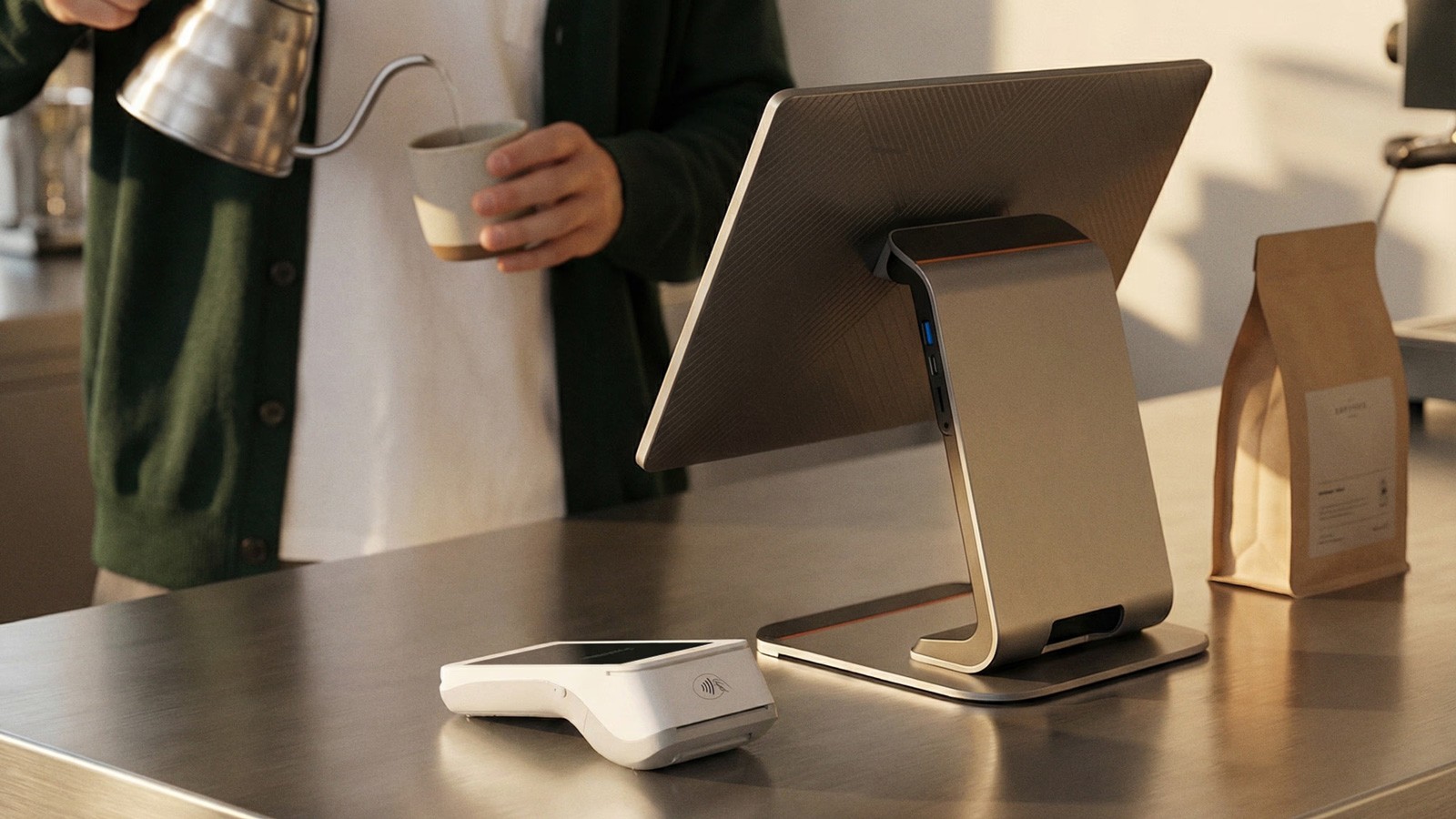
As of 1 January 2026, a new requirement has come into force for Italian merchants: POS terminals must be connected to the electronic cash register (RT). Introduced by the Italian Revenue Agency, this measure is designed to ensure greater transparency in the reporting of fiscal receipts and applies to all shops, restaurants, and professionals that accept electronic payments.
If you use a Mollie POS terminal, you already have everything you need. You simply need to complete an online linking procedure on the Italian Revenue Agency portal so you can continue operating and accepting payments with complete peace of mind. In this article, we explain what’s changing, who is affected, and how to complete the connection in just a few steps.
As of 1 January 2026, a new requirement has come into force for Italian merchants: POS terminals must be connected to the electronic cash register (RT). Introduced by the Italian Revenue Agency, this measure is designed to ensure greater transparency in the reporting of fiscal receipts and applies to all shops, restaurants, and professionals that accept electronic payments.
If you use a Mollie POS terminal, you already have everything you need. You simply need to complete an online linking procedure on the Italian Revenue Agency portal so you can continue operating and accepting payments with complete peace of mind. In this article, we explain what’s changing, who is affected, and how to complete the connection in just a few steps.
As of 1 January 2026, a new requirement has come into force for Italian merchants: POS terminals must be connected to the electronic cash register (RT). Introduced by the Italian Revenue Agency, this measure is designed to ensure greater transparency in the reporting of fiscal receipts and applies to all shops, restaurants, and professionals that accept electronic payments.
If you use a Mollie POS terminal, you already have everything you need. You simply need to complete an online linking procedure on the Italian Revenue Agency portal so you can continue operating and accepting payments with complete peace of mind. In this article, we explain what’s changing, who is affected, and how to complete the connection in just a few steps.
As of 1 January 2026, a new requirement has come into force for Italian merchants: POS terminals must be connected to the electronic cash register (RT). Introduced by the Italian Revenue Agency, this measure is designed to ensure greater transparency in the reporting of fiscal receipts and applies to all shops, restaurants, and professionals that accept electronic payments.
If you use a Mollie POS terminal, you already have everything you need. You simply need to complete an online linking procedure on the Italian Revenue Agency portal so you can continue operating and accepting payments with complete peace of mind. In this article, we explain what’s changing, who is affected, and how to complete the connection in just a few steps.