Advantages of Apple Pay via Mollie
More than 500 million people worldwide pay with Apple Pay.
Apple Pay is also a widespread payment method all over the world.
Payments via Apple Pay are trustworthy, convenient and secure
With us there is no term contract, no plugin costs and no hidden fees. You pay transparently and easily per successful transaction. View all prices
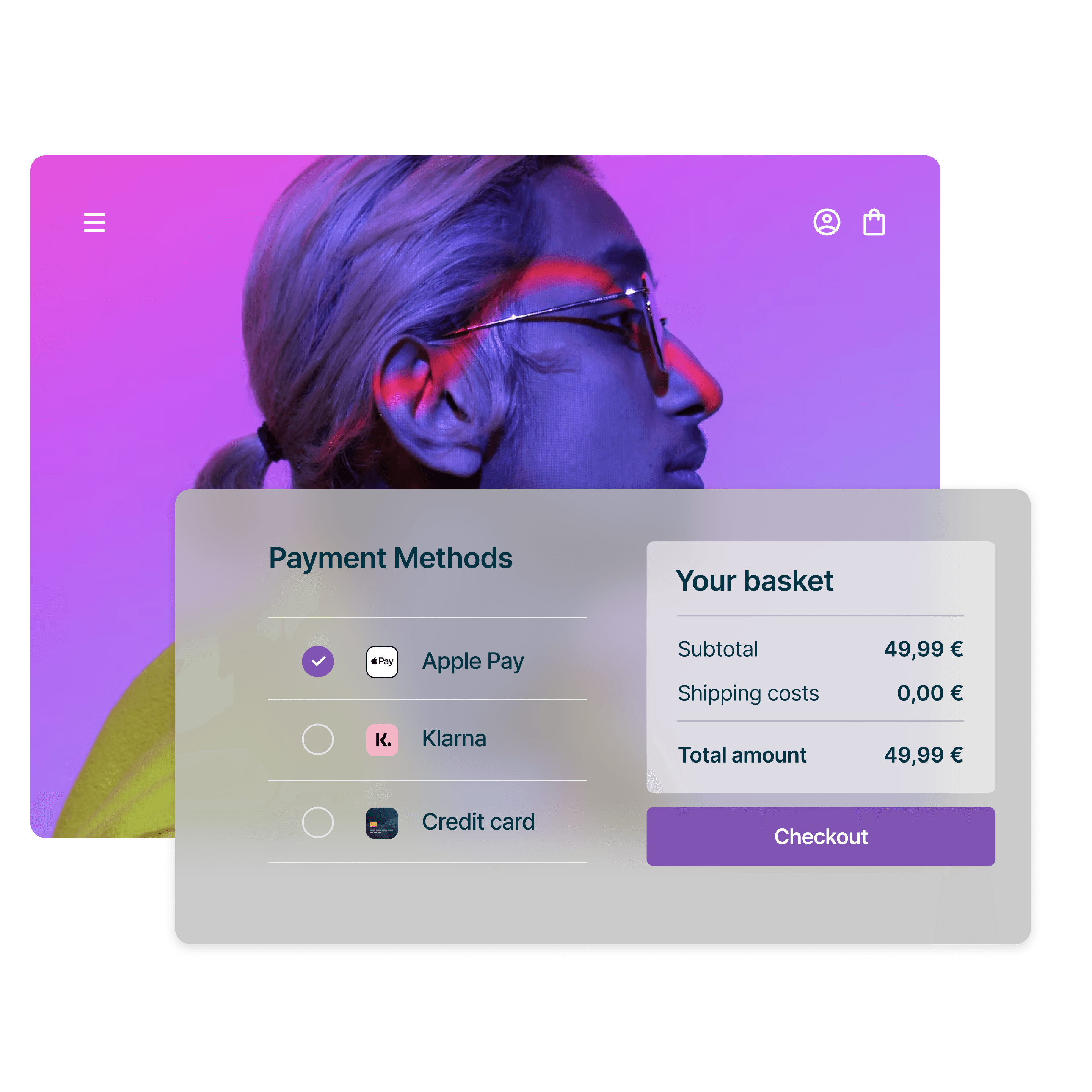
Apple Pay can be linked to WooCommerce quickly, easily and securely via Mollie

Download extension

Receive payments
After onboarding you're ready to receive payments via Apple Pay.

Apple Pay
Apple Pay plugin for WooCommerce
The official Mollie plugin for WordPress seamlessly integrates Apple Pay and many other payment methods into your WooCommerce shop. Benefit from top features such as:
Recurring payments and subscriptions
A fully branded checkout
A refund manager (from WooCommerce 2.2)
Your own Mollie dashboard

































Card
Merchant Costs for Consumer Cards
Merchant Costs for Business Cards & Non-EU Cards
Mastercard
0,25 € + 1,8 %
0,25 € + 2,9 %
Visa
0,25 € + 1,8 %
0,25 € + 2,9 %
American Express
0,25 € + 2,9 %
0,25 € + 2,9 %
Merchant fees for Apple Pay depend on the credit card used by your customer with Apple Pay.
Excellent security
Payments through Mollie are fully certified at PCI-DSS Level 1, ensuring robust security measures. Additionally, Mollie provides both 3-D Secure and machine learning-based fraud protection, further safeguarding your transactions against potential fraud.
Seamless checkout
Your customers can conveniently select their payment method and complete the entire checkout process right within your WooCommerce environment, eliminating the need to be redirected to external pages. This provides a smoother and more integrated shopping experience.
More than just Apple Pay
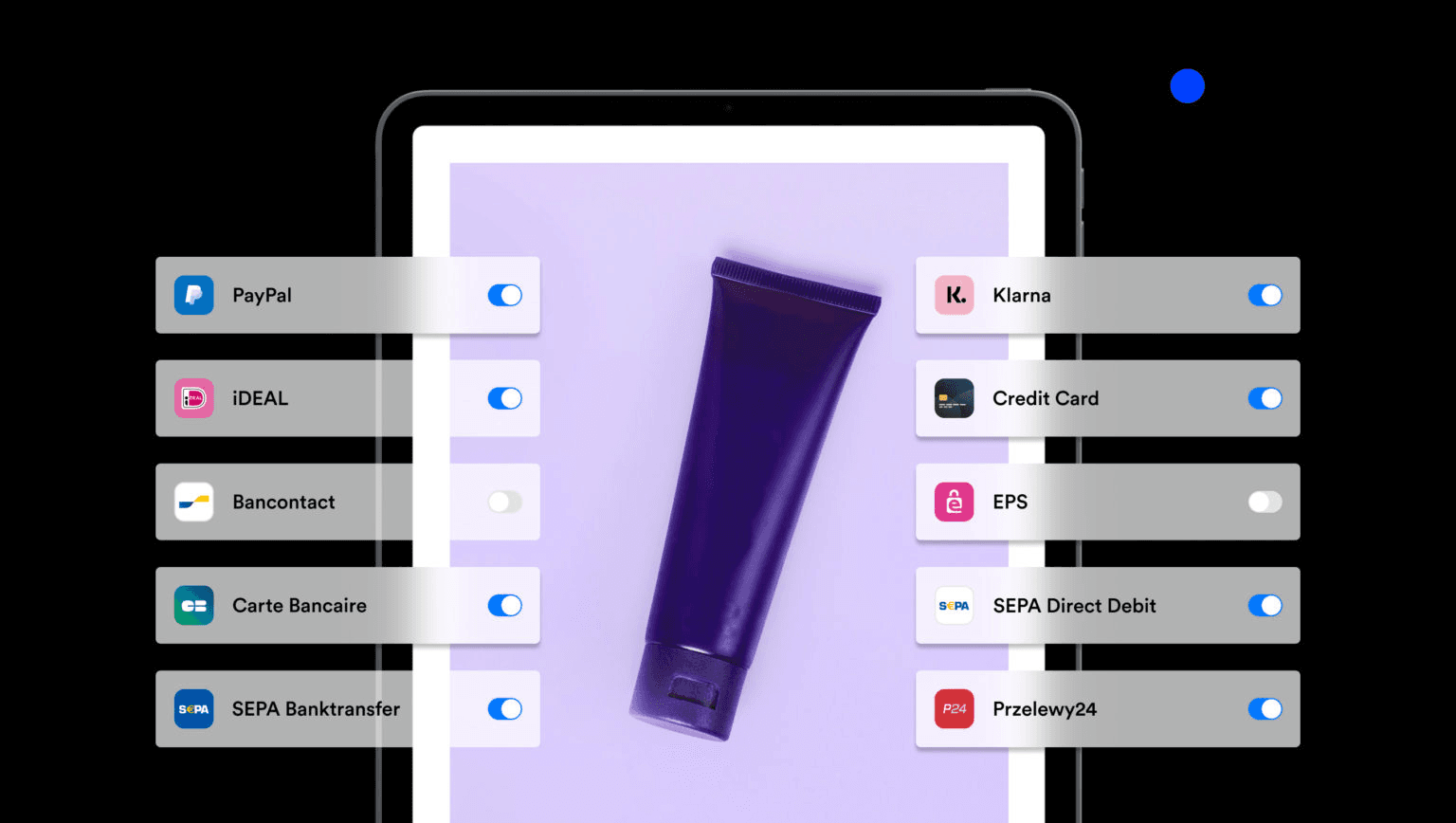
With just one contract, offer not only Apple Pay but also over 20 other payment methods in your WooCommerce shop, all easily (de)activated with a click.
Clear dashboard
The Mollie dashboard is available in many languages and provides you with a comprehensive overview of all payment methods. This clarity makes managing your payments a breeze.
Personalized support
If you need assistance with WooCommerce and Apple Pay or have any other questions, we're here to help personally. You can reach out to us via email, chat, or phone for dedicated support.
Transparent fees
With Mollie, there are no monthly fixed costs, contract durations, or start-up fees. As a merchant, you only pay fees per successful transaction. The process is super simple and completely transparent.
Learn more about Apple Pay and WooCommerce


Frequently asked questions
How much does Apple Pay cost for the merchant?
Apple Pay costs the merchant as much as a payment with the credit card on file would cost. See the price overview.
Can I integrate Apple Pay into WooCommerce?
Yes, you can easily integrate Apple Pay into WooCommerce through Mollie. You only need a Mollie account for your business. Then complete the onboarding and activate the credit card as a payment method. After that, you can start using Apple Pay in WooCommerce.
How does the integration of Apple Pay into WooCommerce via Mollie work?
The integration of Apple Pay into WooCommerce works with Mollie in a few steps:
1. Create a Mollie account.
2. Install the Mollie plugin for WooCommerce.
3. Connect Mollie with WooCommerce.
4. Activate Apple Pay in WooCommerce and Mollie as a payment method.
