Magento
Apple Pay
Benefits of Apple Pay via Mollie
Over 500 million people worldwide make payments with Apple Pay.
Apple Pay is a widespread payment method all over the world
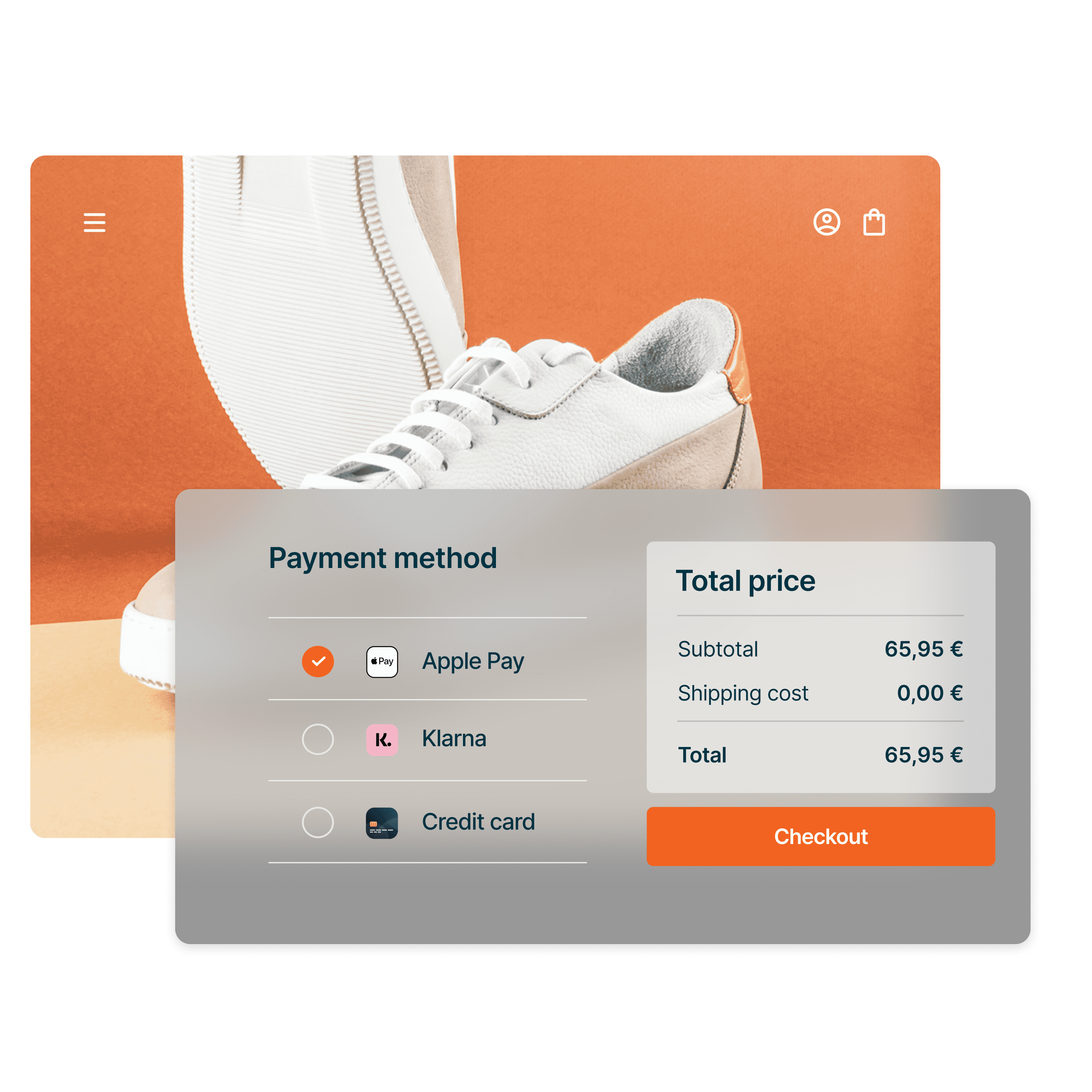
Payments via Apple Pay are trusted, convenient and secure
We offer straightforward terms: no fixed-term contracts, no plugin costs, and no hidden fees. You pay a transparent amount per successful transaction. View all pricing.
Apple Pay can be seamlessly and securely integrated with Magento 1 & 2 via Mollie.
Download extension
Go to Magento Marketplace to download the Mollie extension.
Mollie for Magento
Activate plugin

Important: Before you can use Apple Pay in Magento, you must be authorized for credit card payments in the Mollie Dashboard and have it activated as a payment method.
Extension for Magento 2
The official Mollie extension for Magento 2 integrates Apple Pay and over 20 other payment methods seamlessly into your Magento 2 store. It's compatible with frontends such as Hyvä and ScandiPWA, as well as Open Source (CE), Commerce on premise (EE), and Commerce on Cloud (ECE) – all in versions 2.3 and 2.4.
Benefit from the following top features:
Subscriptions (via additional module )
Automatic and manual refunds
One-click payments via Magento Vault
Payment in foreign currencies
Apple Pay logo on the Magento product page and in the shopping cart
Track payments in Google Analytics (via additional module )
Extension for Magento 1
































Card
Merchant Costs for Consumer Cards
Merchant Costs for Business Cards & Non-EU Cards
Mastercard
0,25 € + 1,8 %
0,25 € + 2,9 %
Visa
0,25 € + 1,8 %
0,25 € + 2,9 %
American Express
0,25 € + 2,9 %
0,25 € + 2,9 %
When a customer pays with Apple Pay, merchant fees vary depending on the credit card your customer has registered with Apple Pay.
Excellent security
Payments via Mollie are fully certified to PCI-DSS Level 1, providing both 3-D Secure and machine learning to protect against fraud.
Seamless checkout
Customers complete payment choice and the entire checkout process within your Magento environment, avoiding redirection to external pages.
More than just Apple Pay
Offer your customers choice: with Mollie, you can provide Apple Pay and over 20 other payment methods – all under a single contract and activatable or deactivatable with a click.
Clear dashboard
The Mollie Dashboard is user-friendly, providing an overview of all payments, whether your customer chooses Apple Pay or any other payment method.
Personalized support
Need assistance with Magento and Apple Pay or have further questions? We are personally here for you via email, chat, or phone.
Easy refunds
Manage full or partial refunds directly through your Magento backend with ease.
Frequently asked questions
How much does Apple Pay cost for merchants?
Apple Pay costs merchants the same as a payment with the credit card registered with Apple Pay. For a pricing overview, visit our website.
How does integrating Apple Pay in Magento with Mollie work?
Integrating Apple Pay in Magento 2 with Mollie is a four-step process via the Magento Marketplace:
1. Create a Mollie account.
2. Download the Mollie extension for Magento 2 from the Magento Marketplace.
3. Activate the plugin and enter the API key.
4. Enable Apple Pay in Magento and Mollie as a payment method.
Are recurring payments possible with Mollie in Magento 2?
Yes, recurring payments are possible with the Mollie Subscriptions add-on module in Magento 2, provided you have the Mollie extension installed and activated. Then you can install the add-on for recurring payments.
Does the Multi Shipping feature work with the Mollie extension in Magento 2?
Yes, Multi Shipping is compatible with the Mollie extension in Magento 2 when you install the appropriate additional module. The Mollie Multi Shipping Add-on requires that you have already installed and activated the extension.
When and how are Apple Pay revenues paid out?
You can set the payout of Apple Pay revenues in the Mollie Dashboard under Settings > Payouts > Frequency.
You have all options available for Apple Pay. The earliest possible payout occurs five business days after the payment.
